 AA Video Player
Your playlists, one player.
AA Video Player plays live TV, movies and series from your own M3U or Xtream playlists, plus the videos on your iPhone. Add a playlist once and everything is sorted for you.
Free for 24 hours. Then a one-time purchase.
Everything in your playlist, in one place
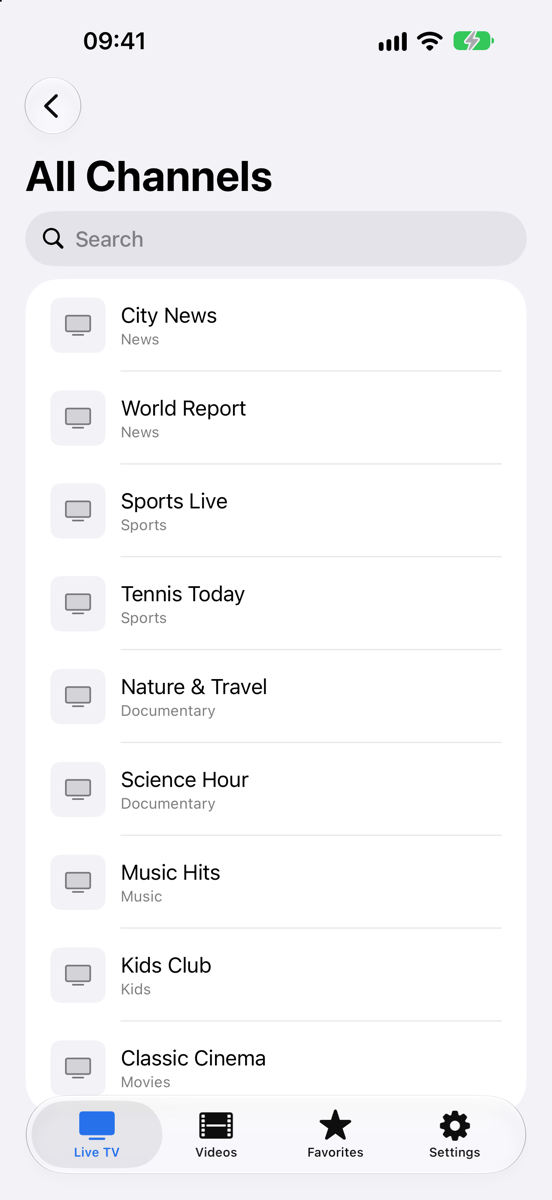
- Live TV
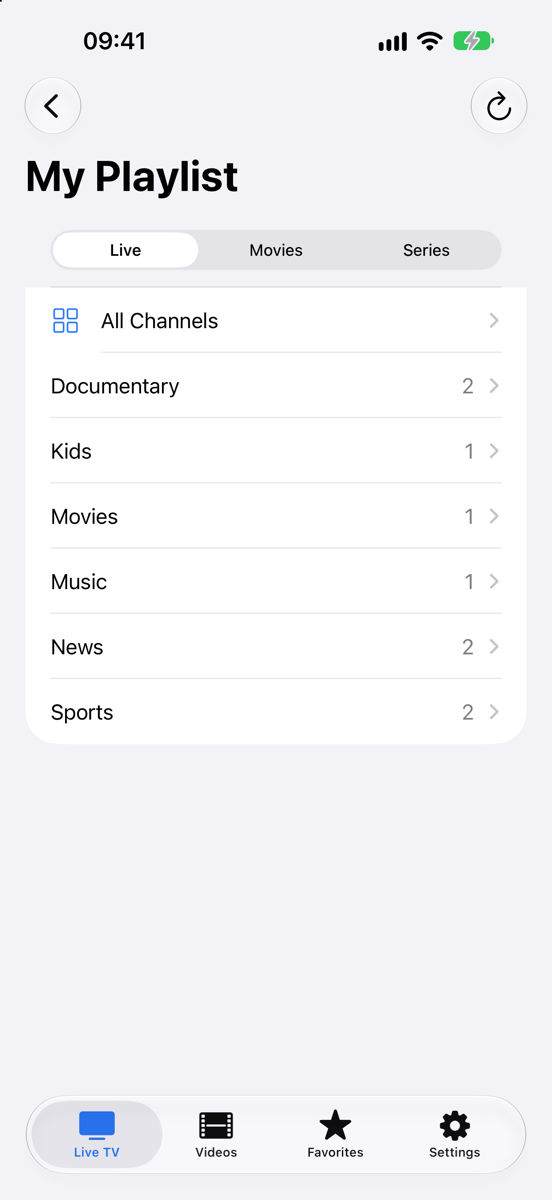
- Channels grouped the way your provider sorts them, with favorites and search across every list.
- Movies
- Browse by category and pick up where you left off.
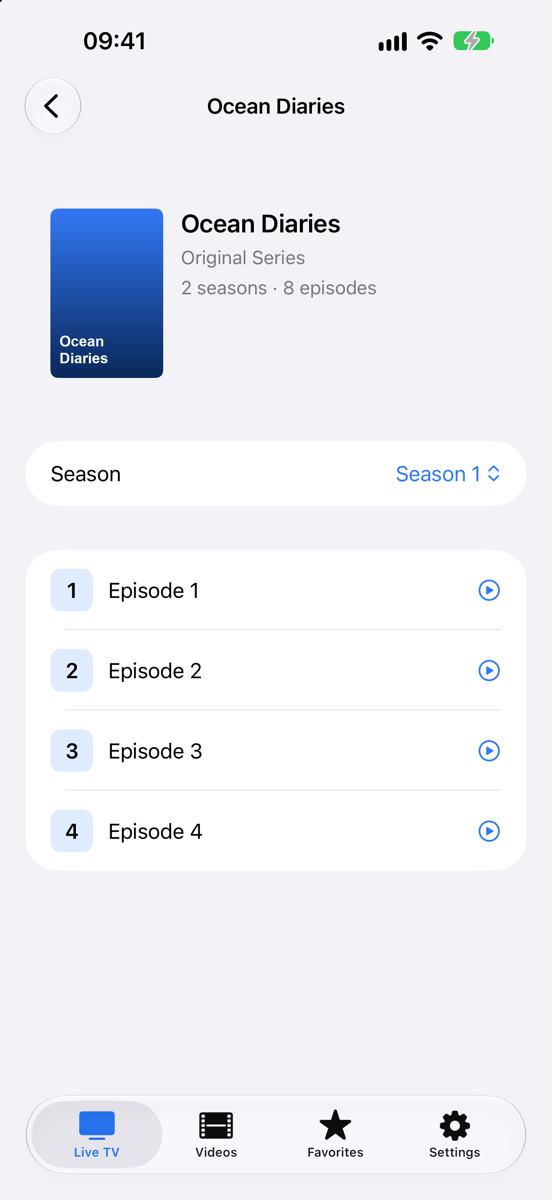
- Series
- Seasons and episodes laid out properly. The next episode starts on its own.
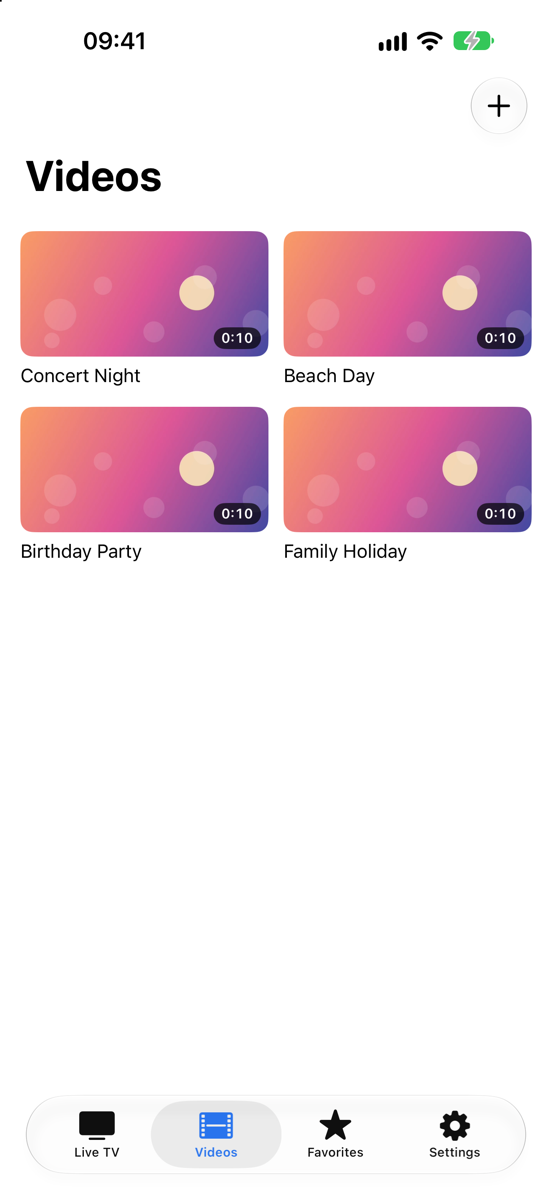
- Your videos
- Import from Files or Photos and watch them offline.
- Plays almost any stream or file: HLS, MPEG-TS, MP4, MKV and more.
- M3U and M3U8 links, or an Xtream Codes login. Large lists load in seconds.
- Available in 10 languages.
Set up in three steps
- Add your playlist. Paste an M3U link or enter your Xtream Codes details in Live TV.
- Pick a category. Live, Movies and Series sit at the top of every playlist.
- Press play. Streams start in seconds, and series go on to the next episode.
On your iPhone
Try everything free for 24 hours
No account, no card. After the trial, unlock AA Video Player with a single in-app purchase. It's yours for good, on every iPhone signed in to the same Apple Account.
- Every feature during the trial
- One payment, no subscription
- Restore on a new iPhone at any time
- Have a license key? Enter it in Settings → License.
Questions
Does AA Video Player come with channels?
No. It plays the playlists you add: an M3U/M3U8 link or an Xtream Codes account from your provider, plus your own video files.
Does it work offline?
Videos you import from Files or Photos play without a connection. Live TV and online playlists need internet.
A channel won't play. What can I do?
Streams come from your provider. Try the channel again after a few seconds: many providers allow only one connection at a time, so close the playlist on other devices first. If nothing in the list plays, the playlist itself may have expired.
How do I move my purchase to a new iPhone?
Sign in with the same Apple Account and tap Restore Purchases on the license screen.
Where is my data stored?
Your playlists, favorites and history stay on your iPhone. See the Privacy Policy for details.